Convert a CSV transaction file into an IIF export
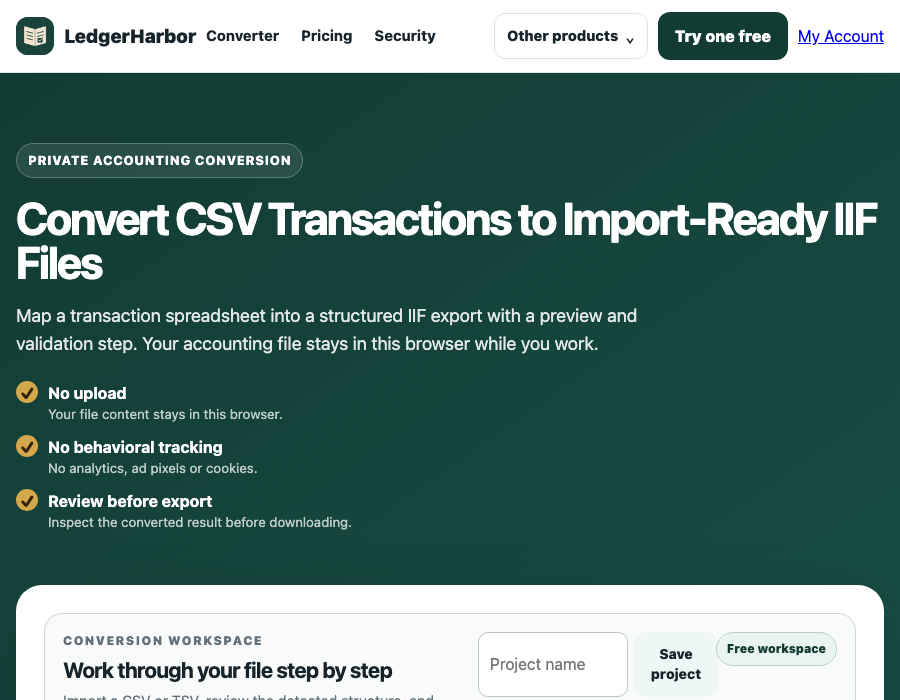
LedgerHarbor is a private, browser-based CSV to IIF converter for people who need to turn a transaction spreadsheet into a reviewable accounting import file.
Best for: signed-amount CSV mapping when one Amount column already records inflows and outflows.
What this CSV to IIF converter does
IIF is a tab-delimited interchange format that represents accounting transactions. LedgerHarbor reads a supported CSV header row, maps the transaction fields you choose, and creates basic balanced IIF entries for review. It is meant for a careful handoff: inspect the preview and downloaded file before importing it into another application.
How to convert CSV to IIF
- Prepare the CSV. Keep a header row and transaction rows in comma-separated format.
- Open LedgerHarbor. Use the working converter and choose the file locally.
- Map fields. Select date, description, and signed amount columns.
- Review rows. Analyze the preview and correct rows marked for review.
- Export. Download the generated IIF and verify account names before import.
Example input
A simple file might have Date,Description,Amount as its header, followed by 07/01/2026,Coffee Shop,-6.45 and 07/02/2026,Client Payment,725.00. Negative signed values are treated as outflows and positive values as inflows in the basic workflow.
What LedgerHarbor checks
The preview helps identify dates that cannot be normalized, amounts that are blank or non-numeric, zero-value rows, and transaction rows that need attention. It does not prove that an external accounting application will accept every account or transaction type, so keep your original CSV and review the IIF.
Expected result
You receive a tab-delimited IIF text export containing the mapped transaction rows and the account values selected in the workspace. The preview is the handoff point: compare it with the source CSV before using the file elsewhere.
Related LedgerHarbor workflows
Bank CSV to IIFDebit and credit CSV to IIFCreate IIF from a spreadsheetOpen the working converter
Important limitation and compatibility note
The current implementation focuses on comma-separated rows and basic deposit or check-style entries. It does not expand transfers, build split transactions, or preserve every source-system field. LedgerHarbor is independent and is not affiliated with, sponsored by, or endorsed by Intuit Inc.; Intuit and QuickBooks are registered trademarks of Intuit Inc.
CSV to IIF FAQ
What should be in my CSV?
Use a header row followed by transaction rows with a date, description or memo, and signed amount column. LedgerHarbor Plus can map separate debit and credit columns.
Does the converter upload my file?
No. The supported CSV is read and converted in this browser, and the converter's Content Security Policy blocks background connections.
Why should I preview the IIF before import?
A preview lets you check normalized dates, descriptions, amounts, account names, and rows marked for review before another application reads the exported file.